
Commercial WiFi
Reliable wireless coverage for offices, warehouses, retail, and homes across Toronto and the GTA. We plan access point placement, run the cabling that feeds them, and tune the network so coverage holds up everywhere — not just next to the router. Designed around your floor plan, not guesswork.
Free Assessment →All ServicesWhat's Included
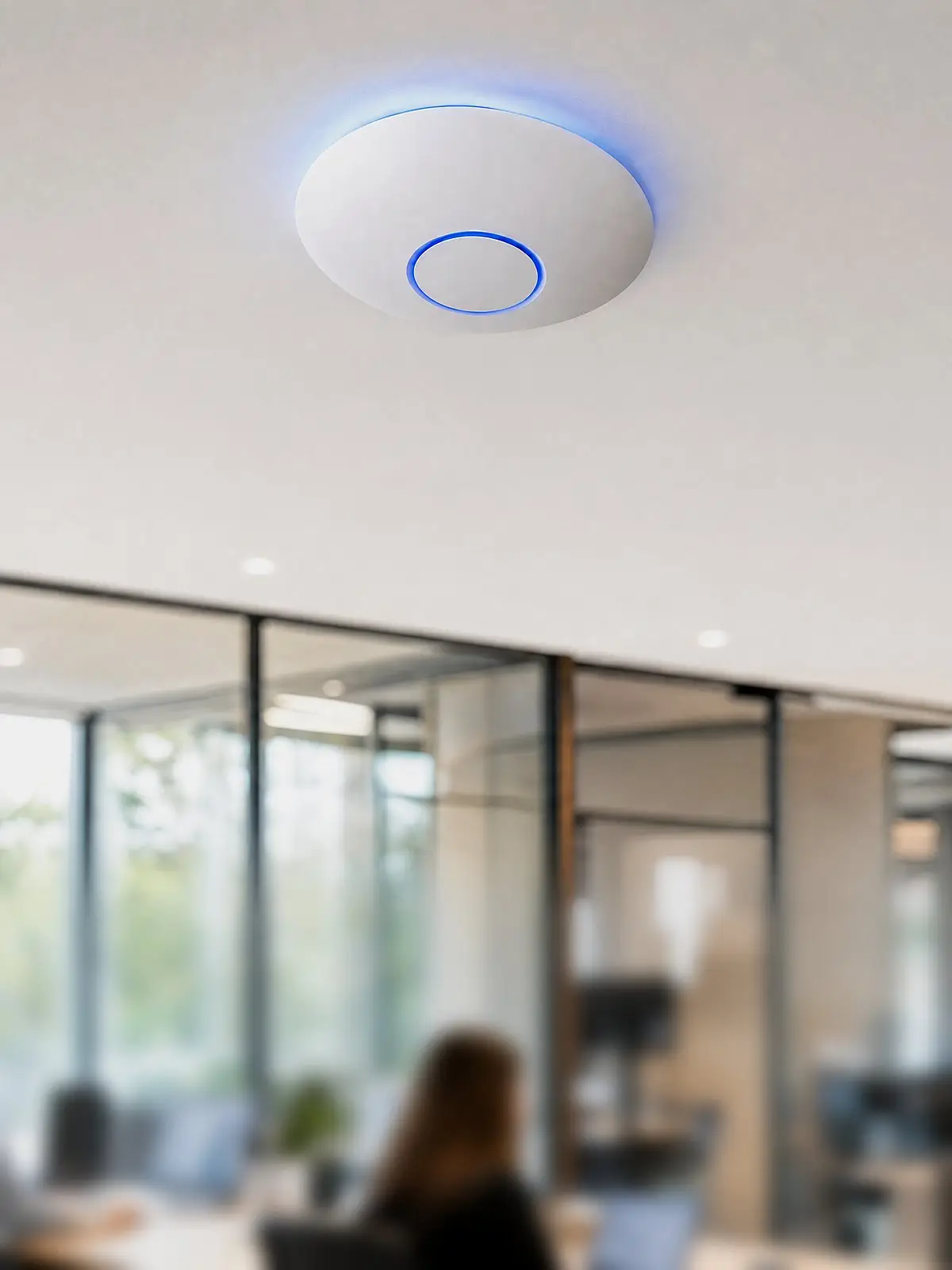
Most WiFi problems aren't your internet plan — they're placement and cabling. We design the wireless layout around your space, wire the access points properly, and tune it so it actually works end to end.
Point-to-Point
Need to connect two buildings, a back lot, or a remote site to your network? We install point-to-point and point-to-multipoint wireless links that carry your signal across long distances — no trenching, no fibre run between buildings. As long as there's clear line of sight, it's often the fastest, most cost-effective way to extend one network across a property or campus.
Common Problems
If your WiFi does any of these, adding another cheap router won't fix it — the layout underneath is the problem.
Why It Matters
When wireless is done right, nobody thinks about it — calls hold, files move, and devices stay connected as people walk the building. When it's done wrong, it quietly costs you every day in dropped calls, frozen screens, and "the internet is down again."
Strong WiFi starts with wired access points placed by design and fed by tested cable. We build that foundation so the wireless layer on top just works.
How We Work
Most installers drop in a router and hope for the best. We work in five clear stages, so you always know what's going in, what it costs, and why.
1. Design & estimate drawings — free. We plan the coverage on paper — access point placements, cabling, and equipment — so you see the full scope and an accurate price before you commit. No charge, no obligation.
2. Issued-for-construction (IFC) drawings. Once you approve, we produce the detailed drawings we install from. Nothing gets installed until you've signed off.
3. Installation. We cable, mount, and configure to the approved drawings — access points, switches, and network, coordinated with your other trades.
4. Testing. We test coverage across the space — confirming signal, roaming, and capacity — and tune out dead zones and interference before we finish.
5. As-built documentation. You get final drawings — access points labelled and mapped, network settings noted — so whoever manages it next isn't starting from scratch.
FAQ
A useful rule of thumb is one access point per 1,500–2,500 sq ft of open office space — but walls, warehouse racking, and neighbouring networks change that quickly, which is why we start with a site survey rather than a guess. The result is a design with AP locations mapped to real coverage, each fed by a wired run on the cabling backbone.
Almost always placement, not your internet plan. One router can't cover a whole building through walls and floors. We map where coverage drops and place wired access points to fill the gaps.
Strong signal isn't the same as a clear channel. Neighbouring networks, cordless devices, and too many devices on one band cause congestion. As part of the heat-map survey we check for interference and tune channels and bands so your network isn't fighting for airtime.
Mesh can be fine for a smaller home, where plug-in units pass the signal along. But in larger homes, offices, or anywhere with thick walls and lots of devices, wired access points win — each one gets its own cable, so coverage stays fast and stable instead of losing speed at every hop. We'll tell you honestly which your space actually needs.
Access points are wireless for your devices, but each one is fed by a network cable (PoE) for power and a stable connection. That wiring is what makes the coverage reliable — so the cabling plan matters as much as the gear.
2.4 GHz reaches farther and pushes through walls but is slower and more crowded. 5 GHz is much faster over shorter distances. 6 GHz (WiFi 6E) is faster still with far less interference, on the newest devices. Good infrastructure uses all of them — we tune which band each area leans on for the right balance of speed and range.
Often, yes. If we can route cable to the right spots, we can add or relocate access points without opening up the whole space. We'll tell you upfront what's possible in your building.
Often, yes — with a point-to-point wireless link. As long as there's clear line of sight between the two points, we can carry your network across a yard, a street, or even several kilometres, without trenching. We assess the path first and tell you honestly whether the link will be solid.
Yes. We can set up a separate guest network so visitors get WiFi without touching your business devices or internal systems.
Yes — that's the point of proper infrastructure. We plan capacity for high-density areas so the network stays fast when everyone is connected, instead of choking on one overloaded router.
We'll assess your space, find the dead zones, and map exactly where your access points should go — at no cost.
Free Assessment →Serving Toronto and the GTA — North York, Scarborough, Etobicoke, Vaughan, Markham, Richmond Hill, and Mississauga.